

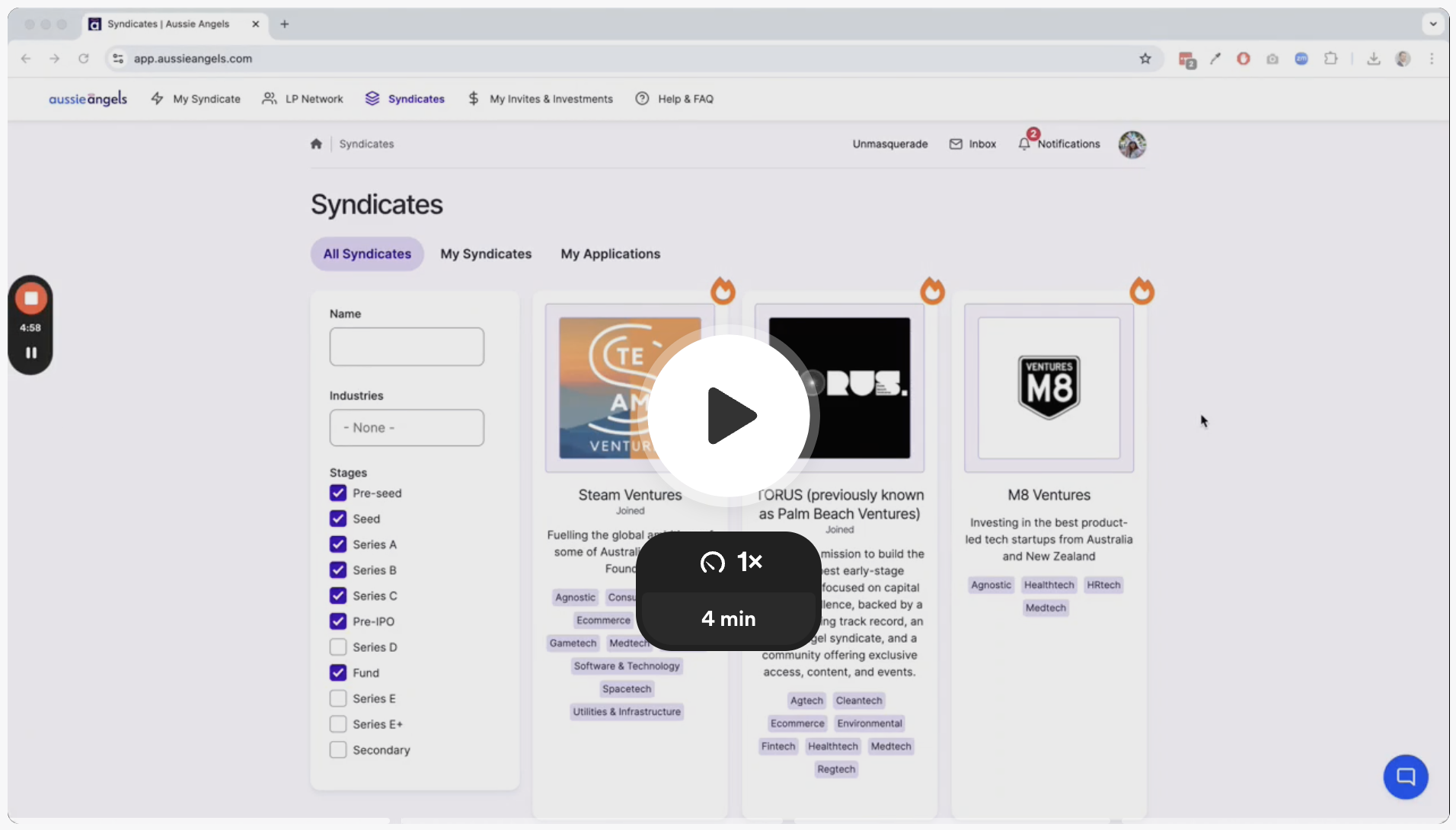
👉🏻 Click thumbnail to watch on Loom:
👈🏻 Step 1: Access Your Syndicate Profile
Log in to your Aussie Angels account.
Click on "My Syndicate" in the top navigation bar.
⚙️ Step 2: Edit Your Profile
Click the "Edit" button at the top of your Syndicate Profile page.
You'll see a form with various fields to edit.
📝 Step 3: Make Your Edits
Images: Change your Syndicate's profile & share image. (Remember, the "Share" image will show up on social media, so choose one that represents your brand.)
Tagline: Update your syndicate's tagline to be catchy and descriptive.
About: Make sure your "About" section is engaging and outlines your syndicate's investment focus, strategy, and any notable investments. Use the "WYSIWYG" editor to add images, videos, tables, and formatting.
Investment Focus: Select the stages, industries, and sectors that your syndicate invests in.
Team: Add team members, include profile pictures, and highlight their expertise.
Requirements: Specify any requirements for joining your syndicate.
✅ Step 4: Save Your Changes
Once you're happy with your edits, click "Save".
You'll see a success message.
👀 Step 5: Preview Your Changes
Go back to "My Syndicate" to view your updated profile.
Remember: A compelling Syndicate Profile helps attract investors to your club. Take the time to create a profile that effectively showcases your syndicate and your investment expertise.
...